Markdown Canvas
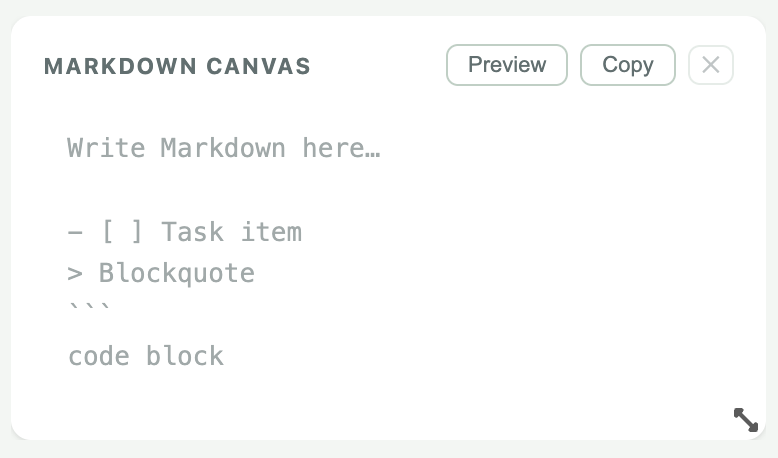
A structured notepad that lives right on your dashboard. Write in plain Markdown, toggle to a clean rendered view — checklists you can actually check, tables, code blocks, and blockquotes included.
What's included
- Interactive task checklists — click to check off
- Rendered blockquotes with accent styling
- Fenced code blocks with monospace formatting
- GFM tables with alternating row highlights
- Bold, italic, headings, and inline code
- Edit / Preview toggle in the widget header
- Auto-saves to cloud as you type
- Works across all 16 dashboard themes
- Copy-to-clipboard button
- One canvas per dashboard, always in sync
Markdown quick reference
- [ ] taskUnchecked item
- [x] doneChecked item
> textBlockquote
```code```Code fence
| A | B |Table row
**bold**Bold text
*italic*Italic text
# HeadingH1 – H4
How it works
1
Add the widget
Open the widget picker, find Markdown Canvas under Productivity, and click Add.
2
Write in Markdown
Type directly in the widget. Use standard Markdown syntax for lists, headers, code, and tables.
3
Toggle Preview
Click Preview in the header to see your formatted output. Check off tasks without leaving the widget.
4
Auto-saved
Content saves to your cloud account automatically. Picks up right where you left off, on any device.
Ready to try it?
Markdown Canvas is available now in beta. Open your dashboard and add it from the widget picker.